Cisco
The CrowdSec Cisco integration connects CrowdSec's hosted blocklist endpoint to your Cisco firewall.
Cisco calls this feature Security Intelligence feeds, which provide dynamic threat intelligence that can be used in your firewall policies.
Setup a Cisco Integration Endpoint
- 1- Create an integration
- 2- Remediation Component
- 3- Save your credentials
- 4- Subscribe to blocklists
Step 1 — Create an integration in the CrowdSec Console
In your CrowdSec Console account, navigate to the Blocklist tab in the top menu bar, then select the Integrations sub-menu. Choose the integration type you need, then click Connect.
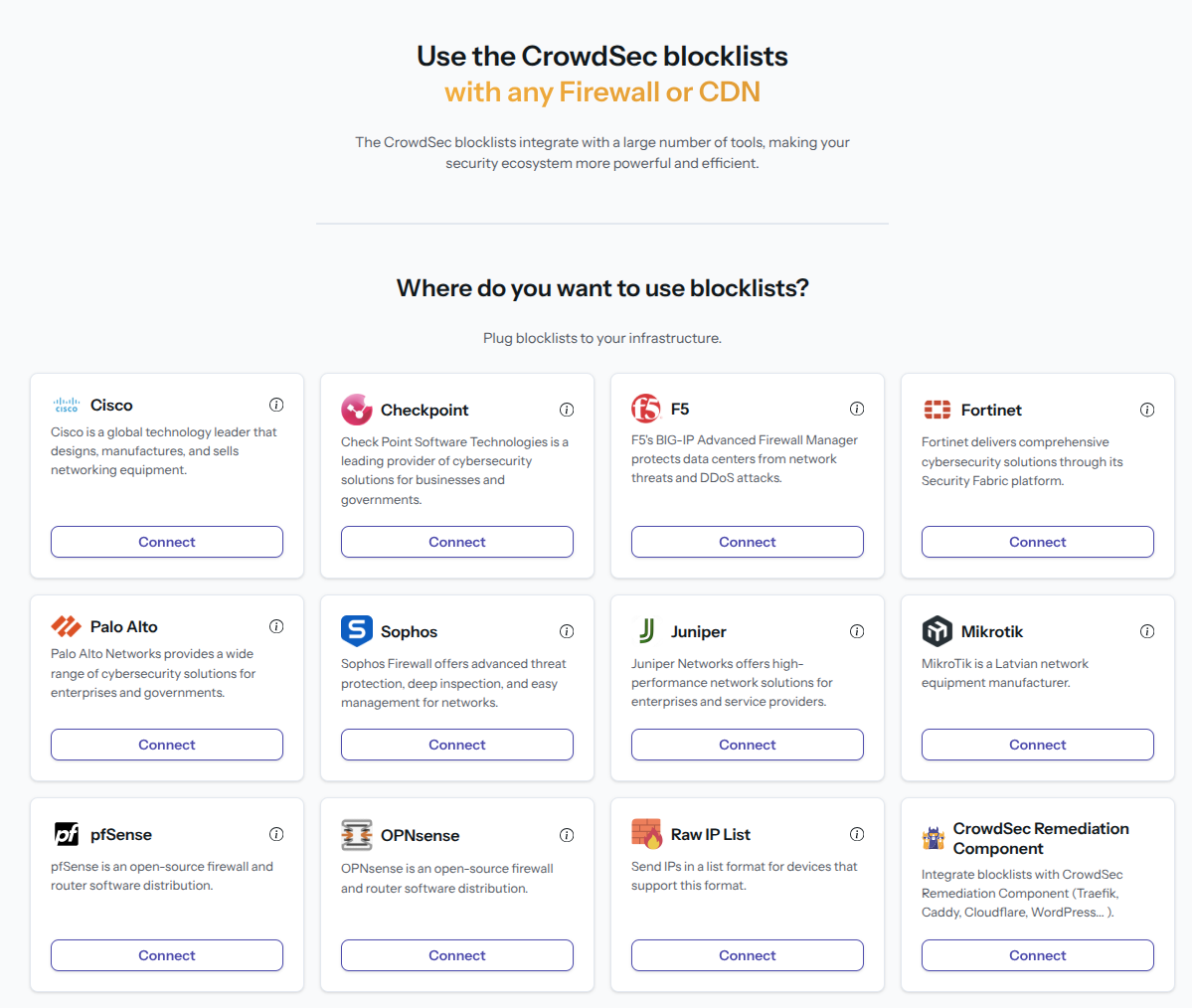
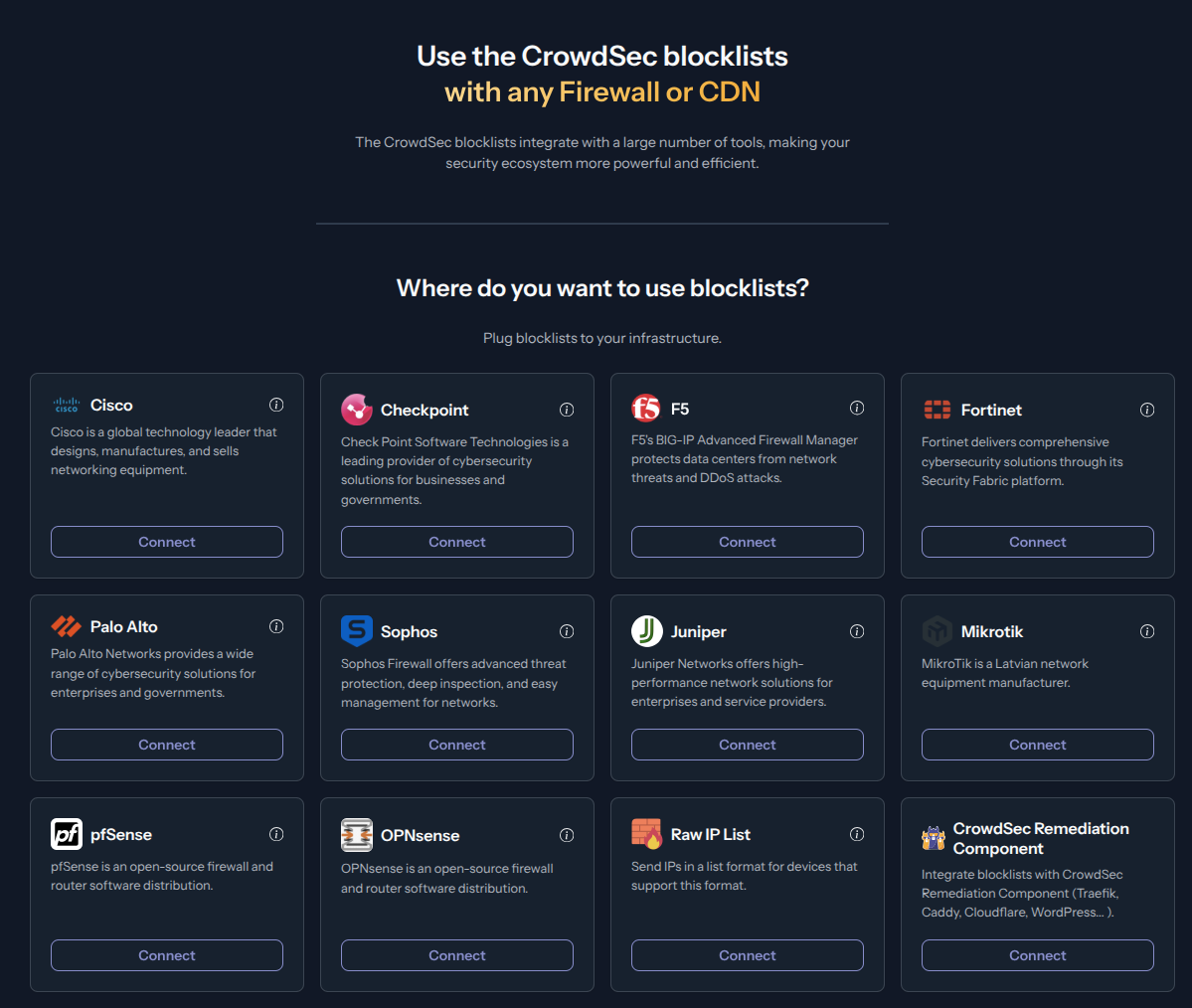
Step 2 — Fill in integration details
Name the integration (must be unique to your account) Optionally, add a description and tags to help you identify it later. Then click Create.
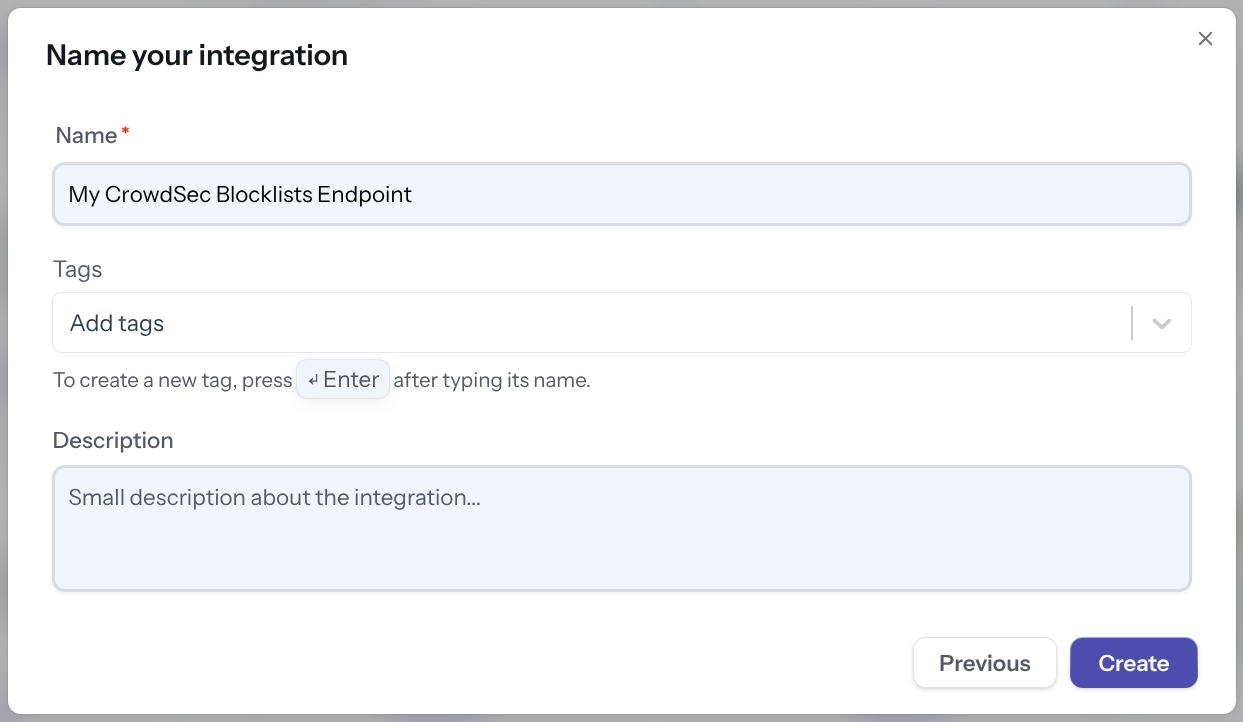
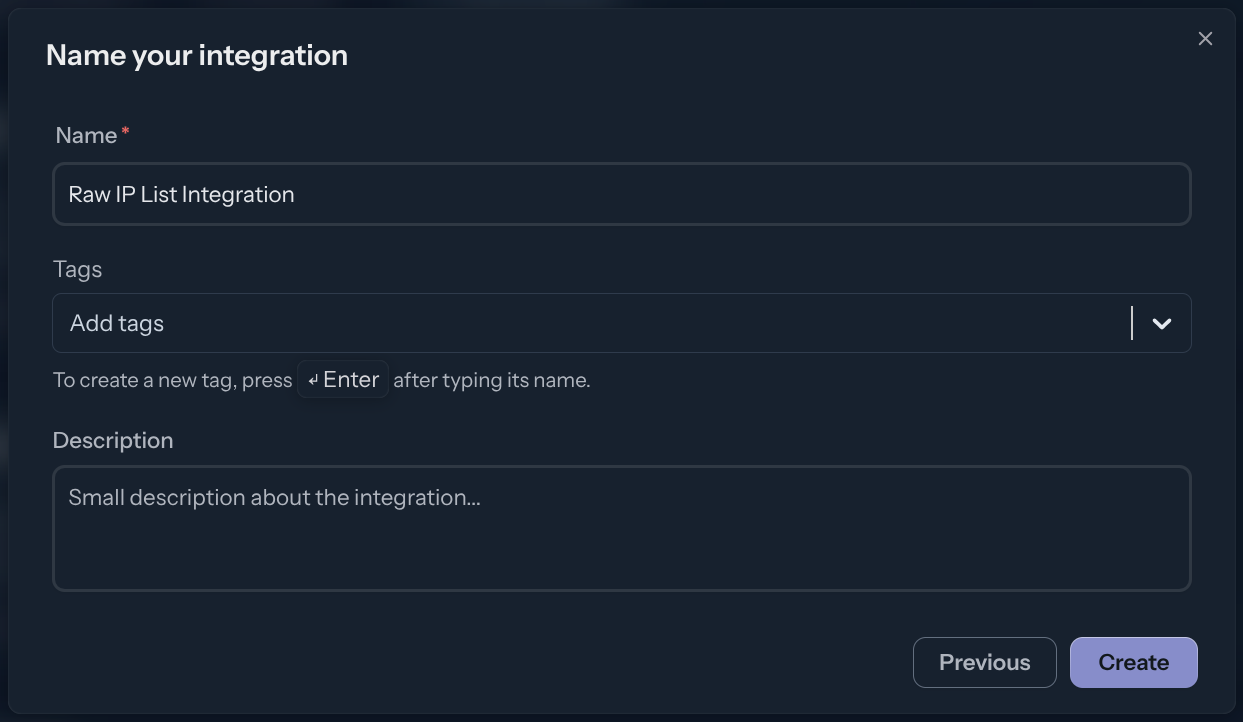
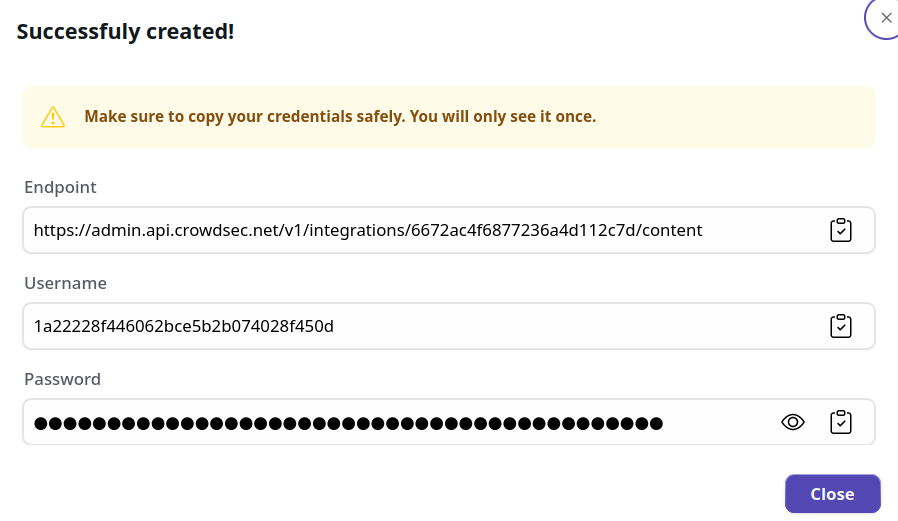
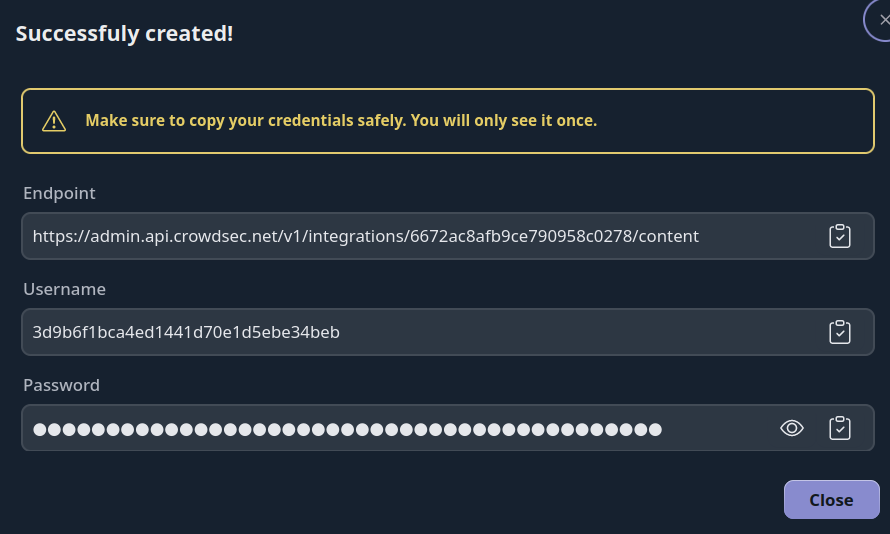
Step 3 — Copy your credentials
With this HTTPS endpoint and Basic Auth credentials, you can verify the endpoint with any HTTP client, for example:
curl -u 'usr:pass' https://admin.api.crowdsec.net/v1/integrations/$integID/content
Step 4 — Subscribe to Blocklists
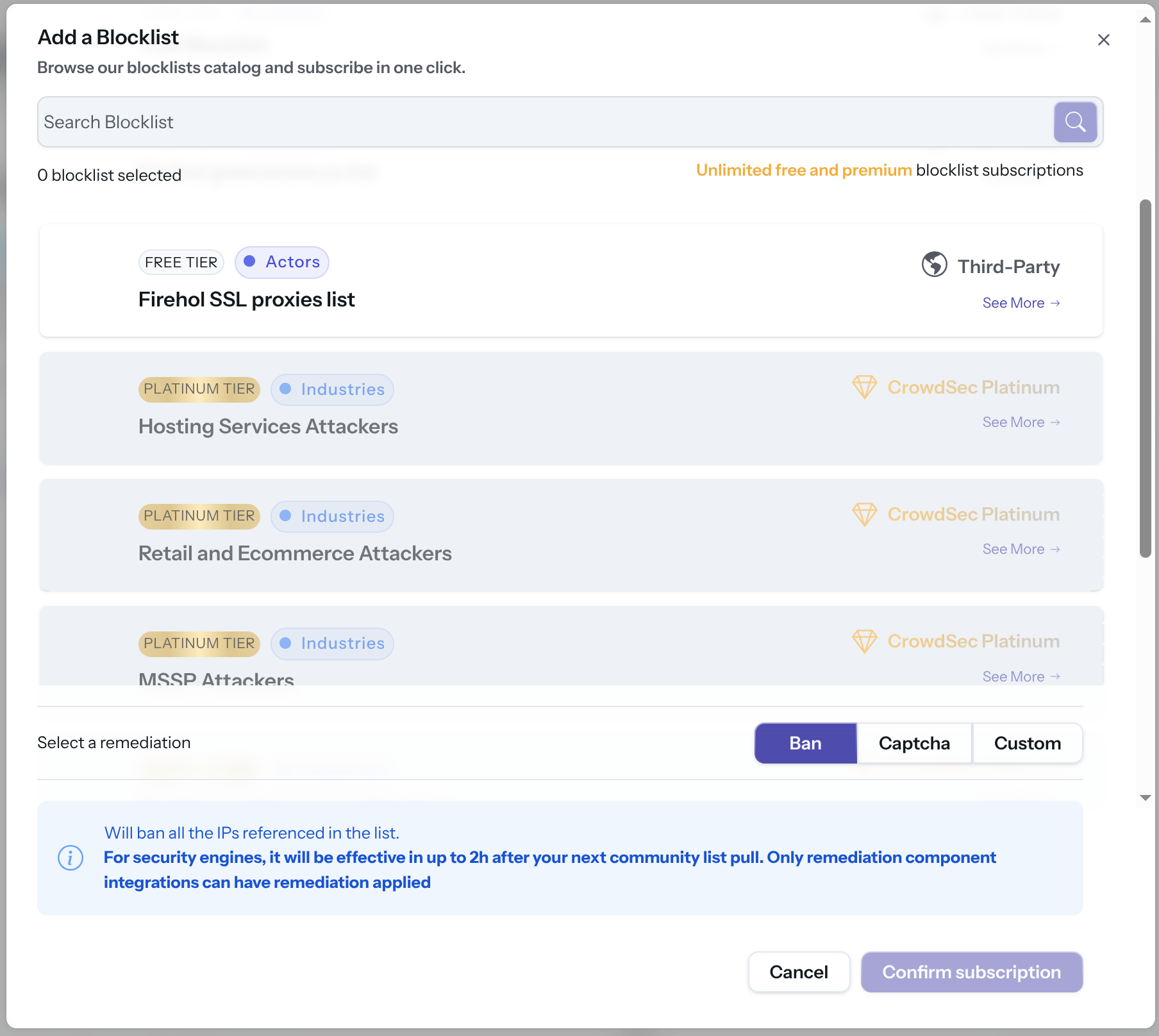
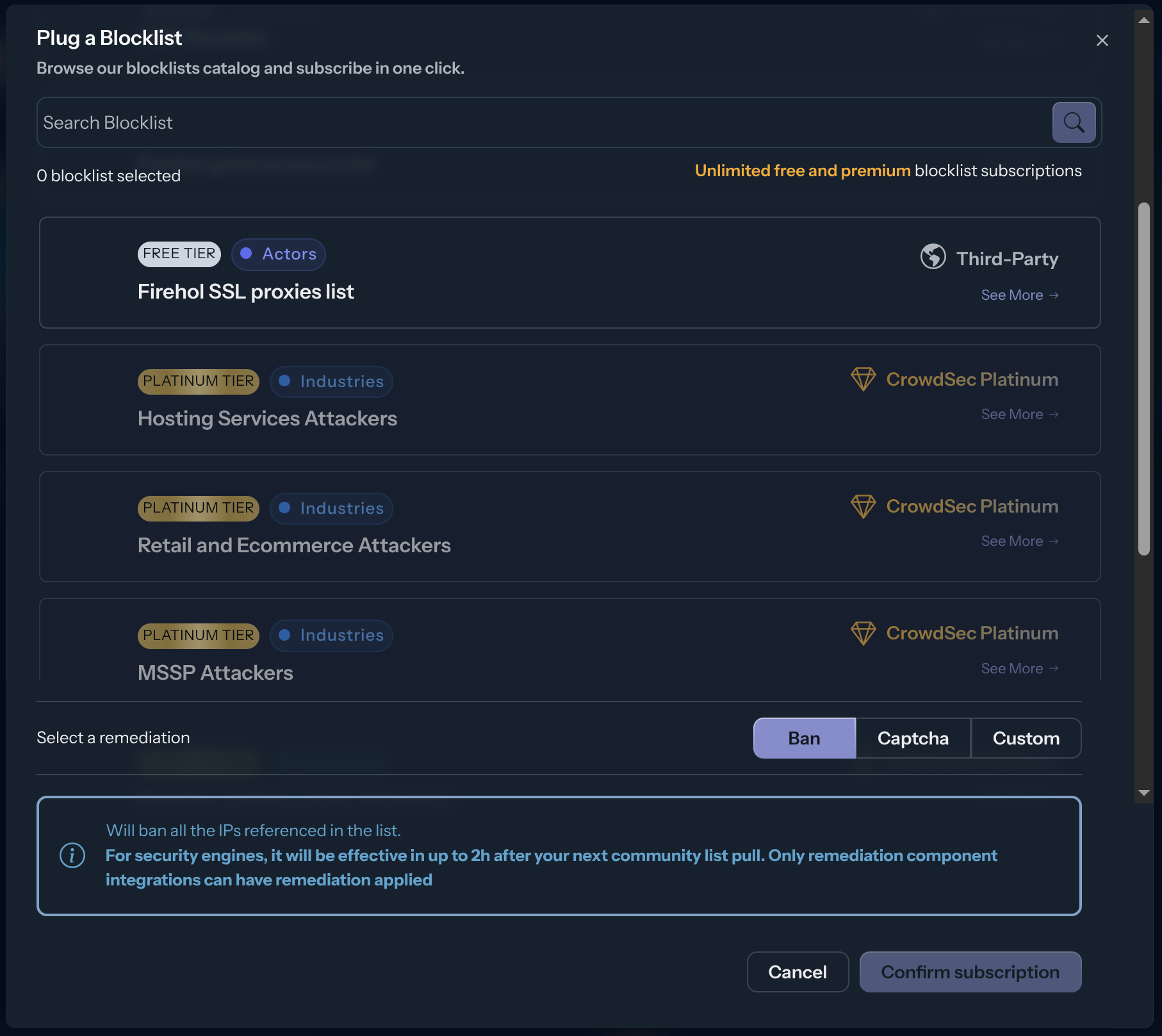
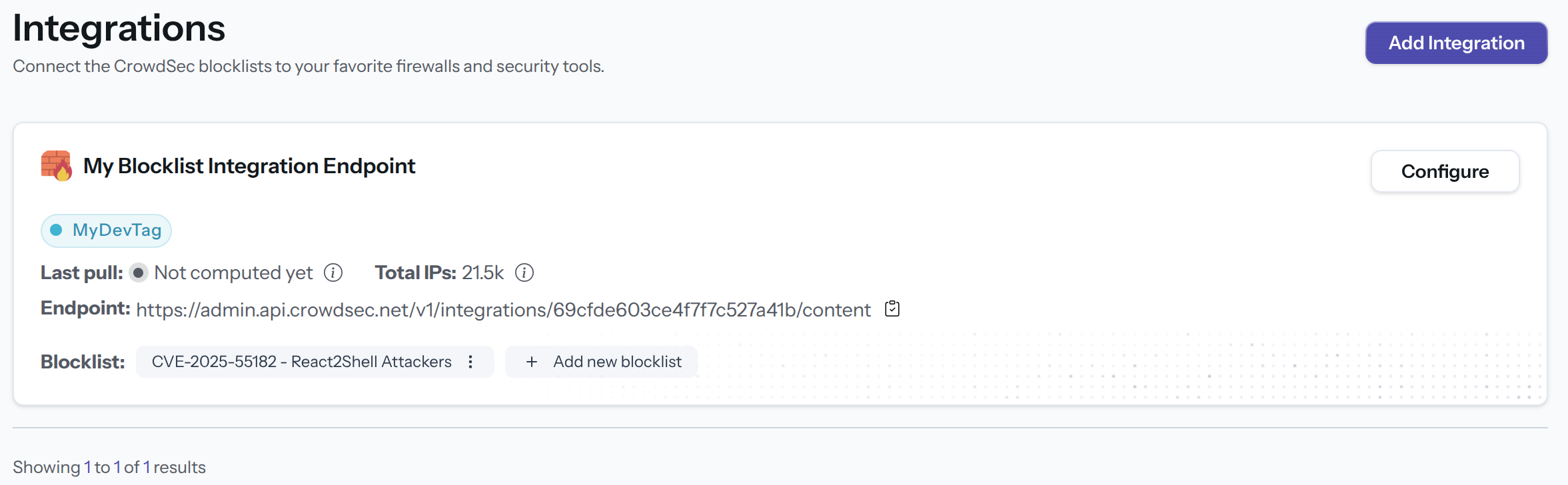
The integration endpoint will serve the deduplicated blocklists it's subscribed to. After creation, a subscription pop-up appears automatically. You can also access it later via the Add Blocklist button.
Select one or more blocklists available for your plan, then click Confirm Subscription. The blocklist name(s) will appear in the integration tile once subscribed.
Manage integration size limits with pagination
If you want to learn how to manage integration size limits with pagination, please refer to the Managing integrations size limits with pagination section.
References
Next Steps
Subscribe to blocklists in the Blocklist Catalog to populate your integration.