Remediation Component
The CrowdSec Remediation Component integration allows you to feed a Remediation Component directly from a CrowdSec blocklist, without requiring a local Security Engine.
This is the integration to use for platforms that do not support native IP list ingestion from an external URL — such as Cloudflare, AWS WAF, and others. Remediation Components act as the bridge between CrowdSec's blocklist endpoint and those platforms. See the full list of available Remediation Components to find the one matching your platform.
Create a Remediation Component Integration Endpoint
- 1- Create an integration
- 2- Remediation Component
- 3- Save your credentials
- 4- Subscribe to blocklists
Step 1 — Create an integration in the CrowdSec Console
In your CrowdSec Console account, navigate to the Blocklist tab in the top menu bar, then select the Integrations sub-menu. Choose the integration type you need, then click Connect.
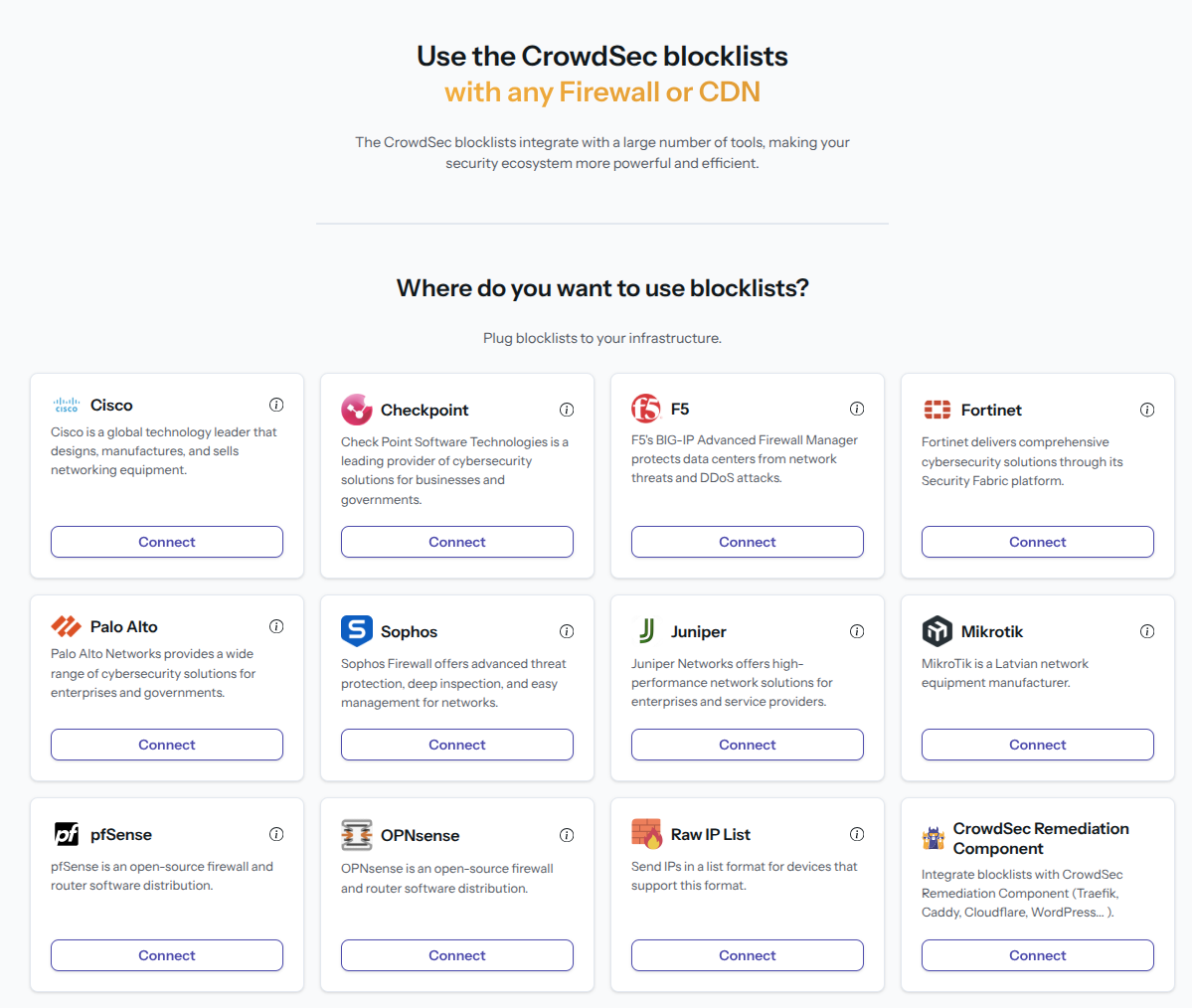
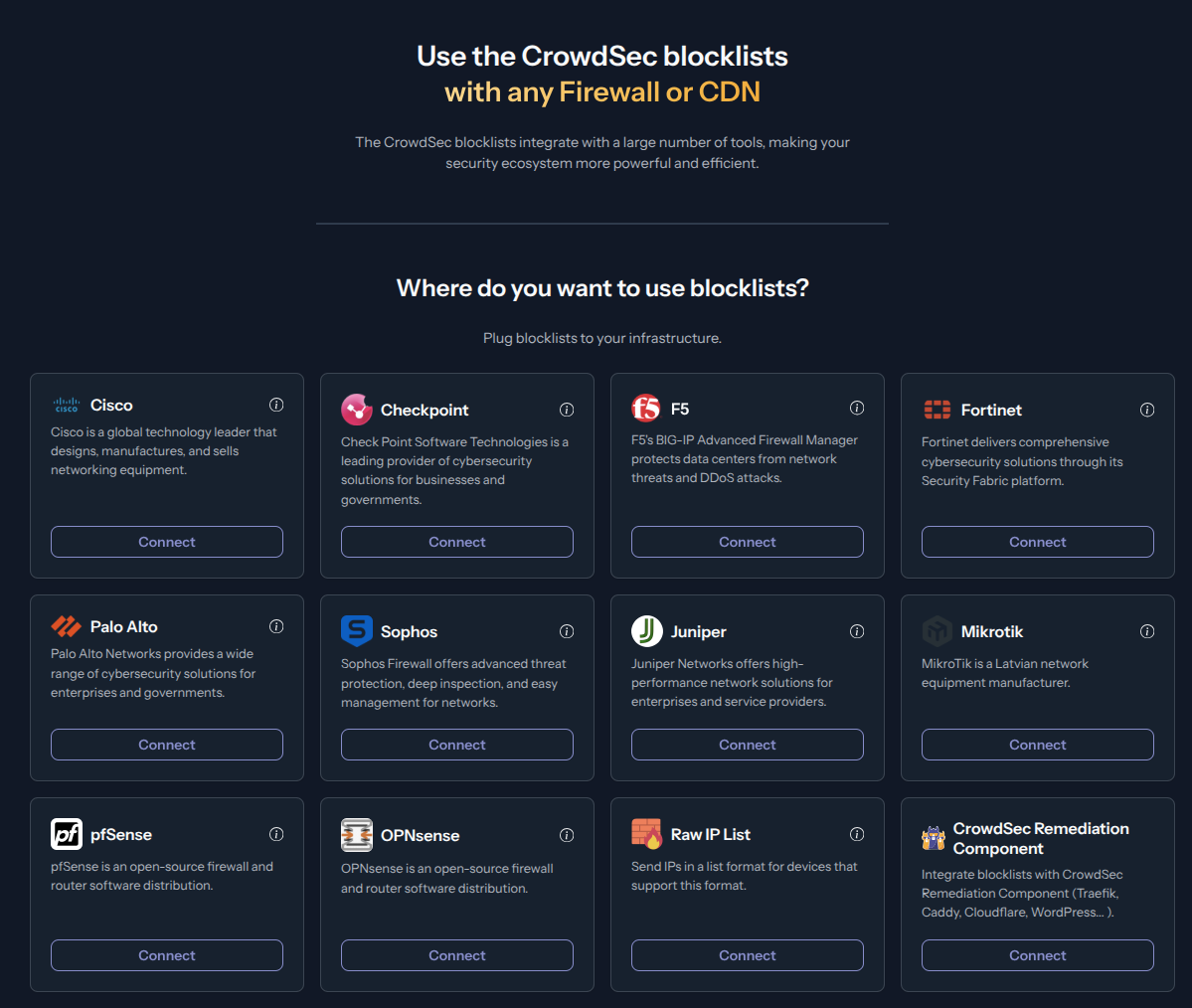
Step 2 — Fill in integration details
Name the integration (must be unique to your account) Optionally, add a description and tags to help you identify it later. Then click Create.
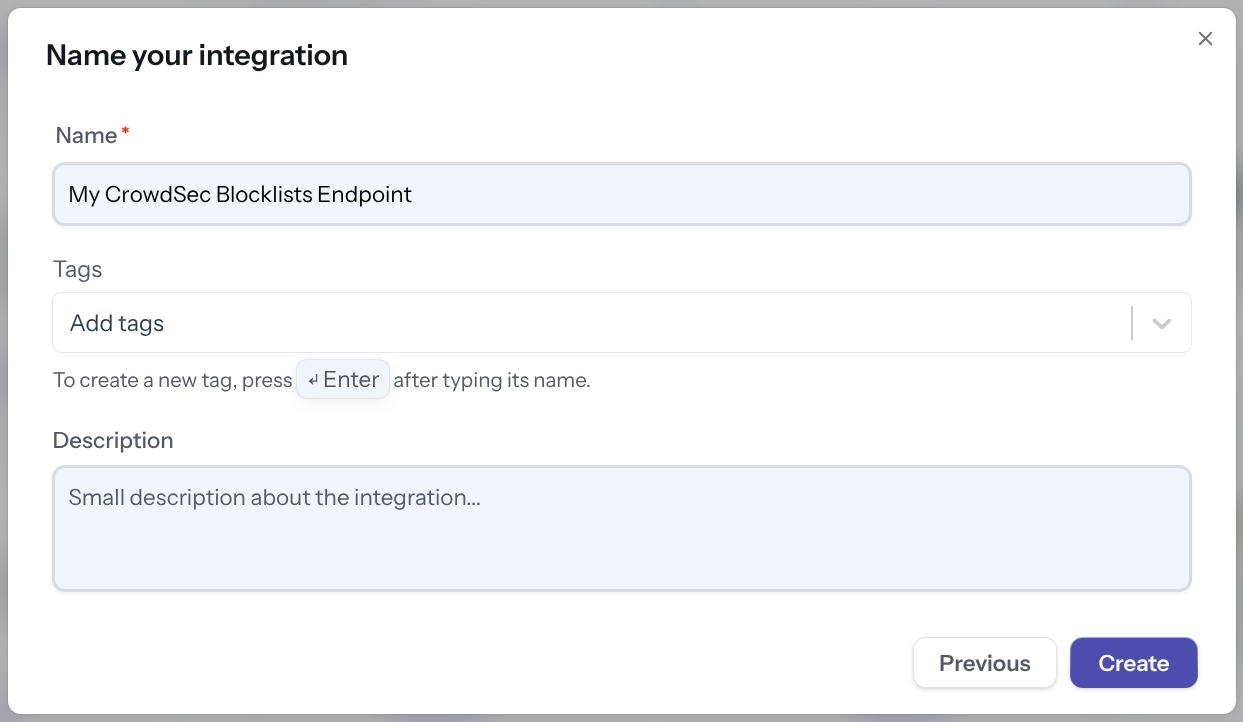
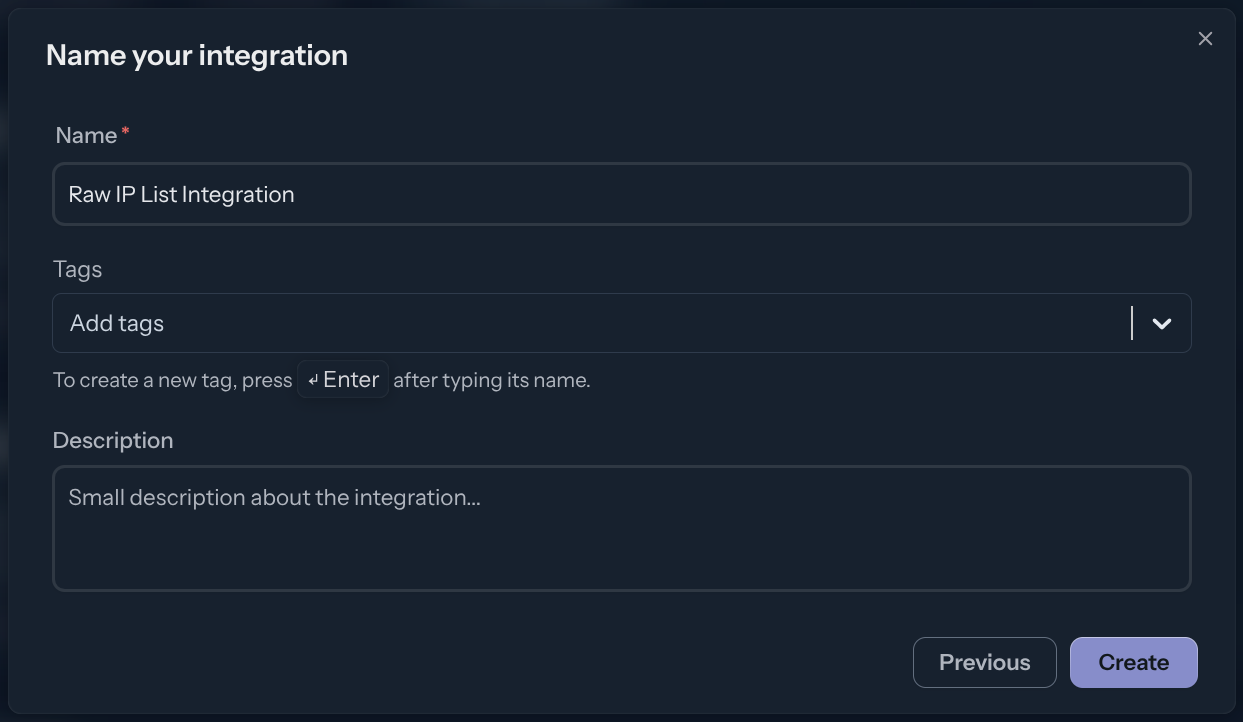
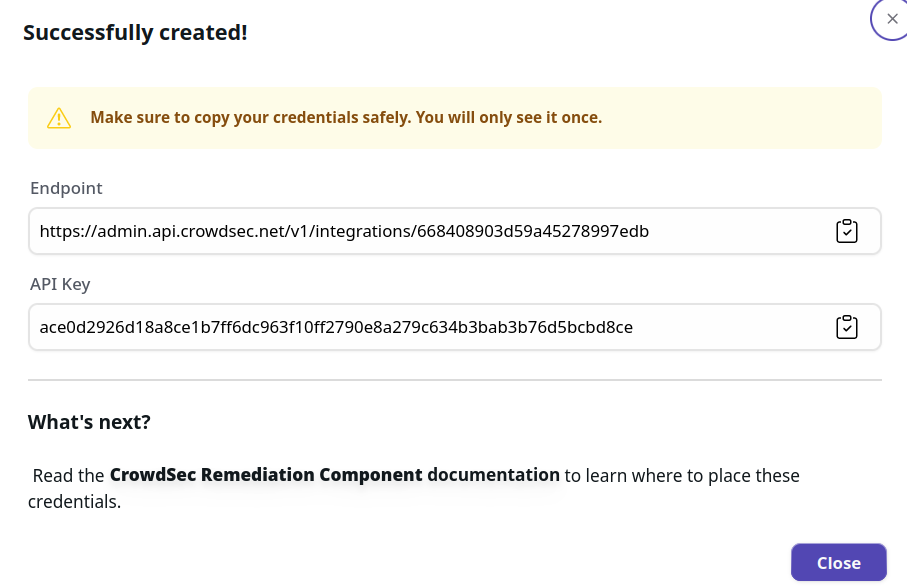
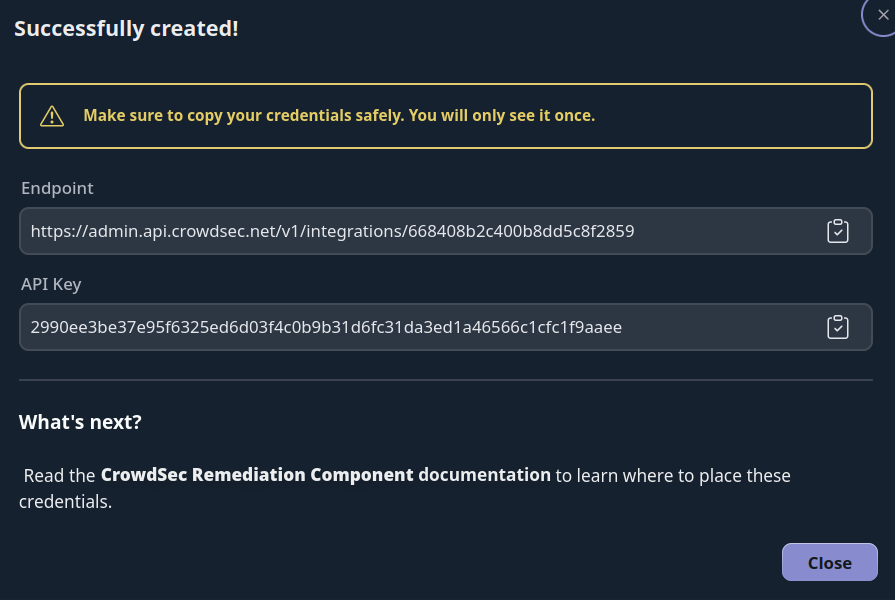
Step 3 — Copy your credentials
The Remediation Component integration provides you with an API key to copy into your Remediation Component config file, along with the endpoint URL.
Step 4 — Subscribe to Blocklists
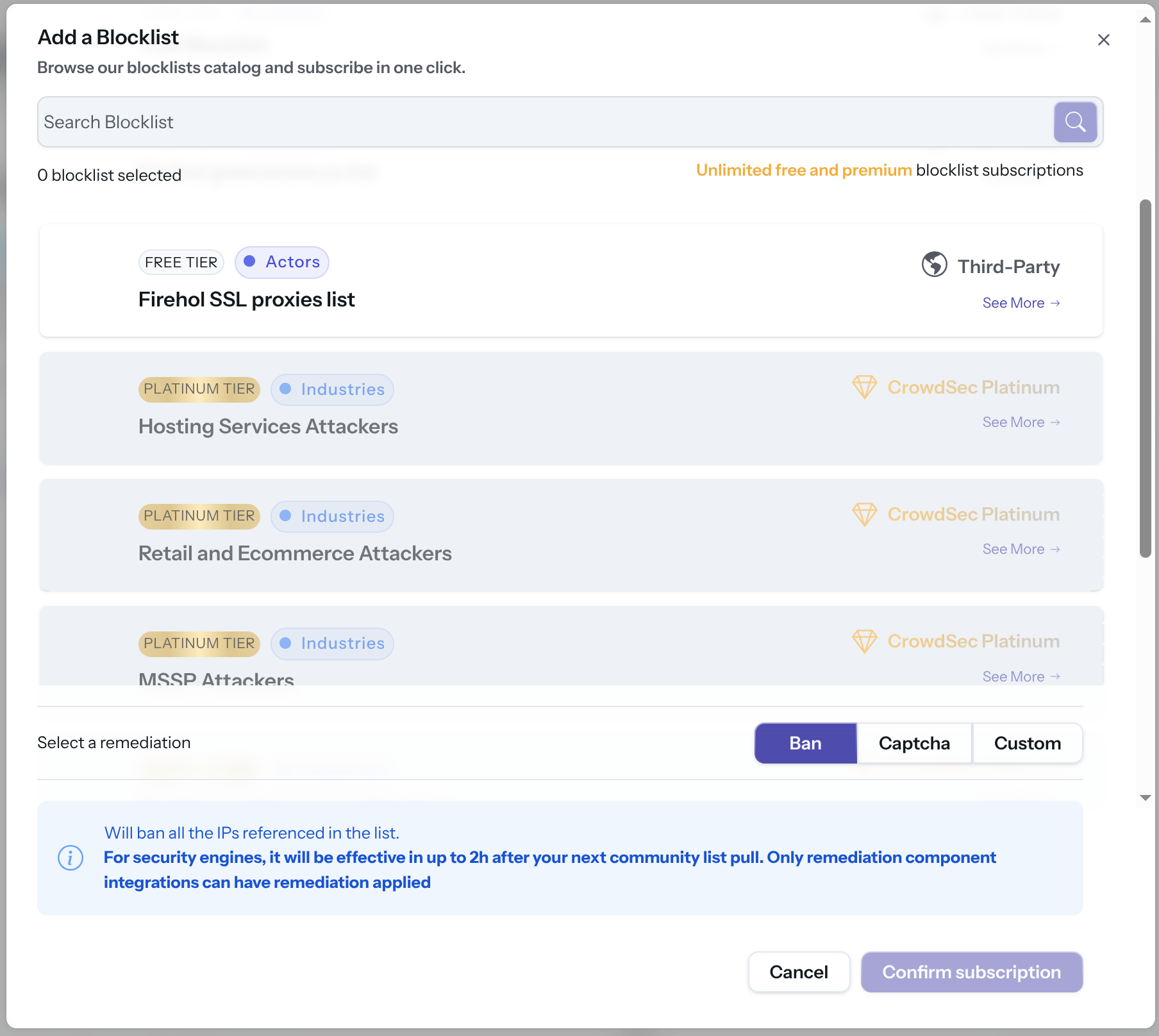
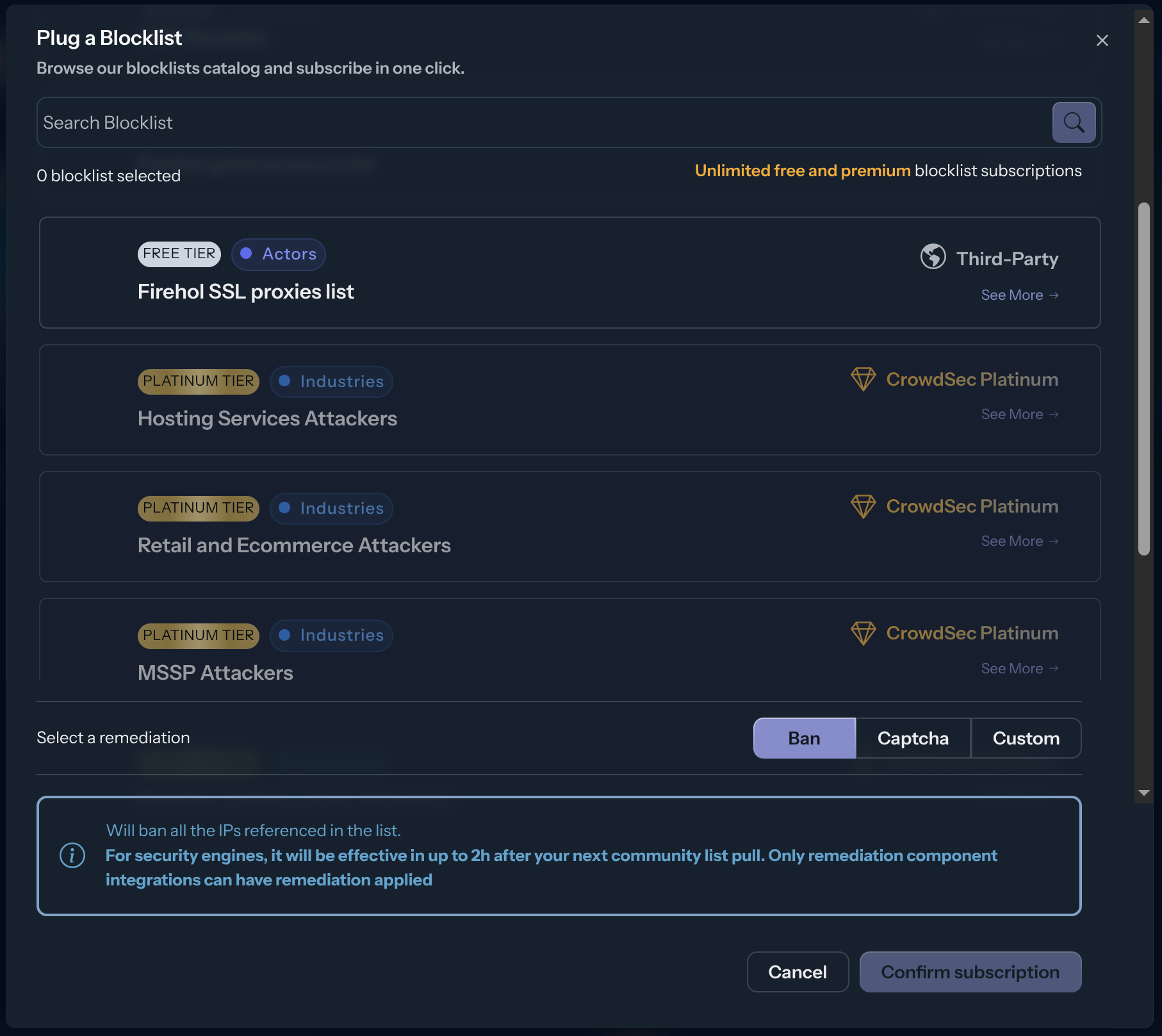
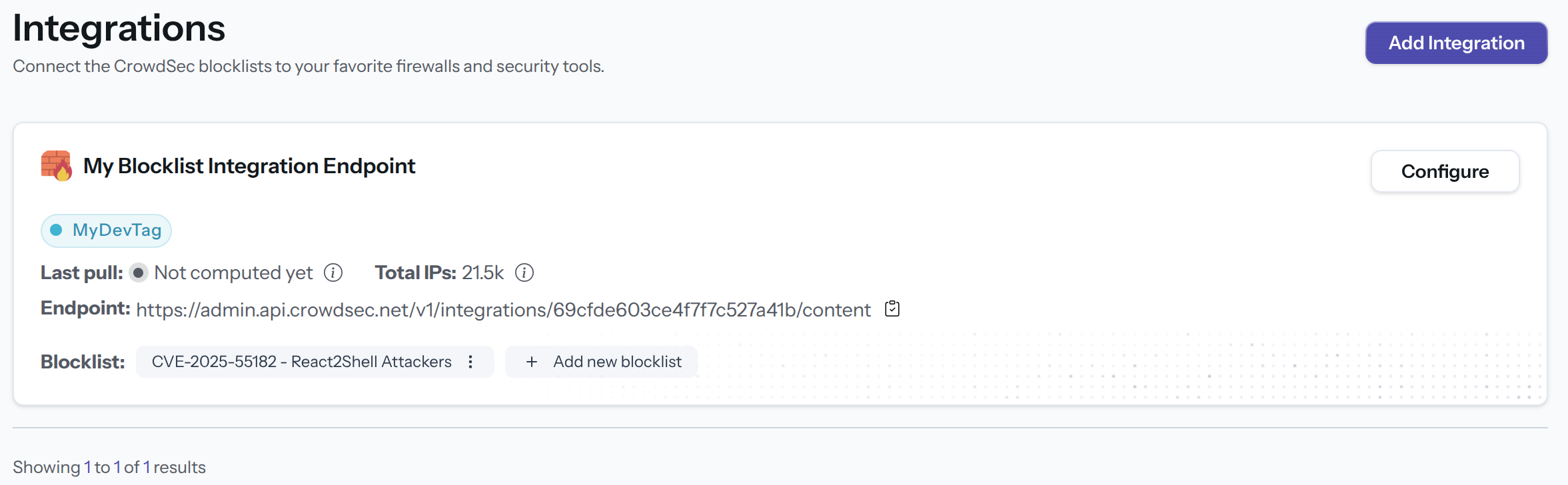
The integration endpoint will serve the deduplicated blocklists it's subscribed to. After creation, a subscription pop-up appears automatically. You can also access it later via the Add Blocklist button.
Select one or more blocklists available for your plan, then click Confirm Subscription. The blocklist name(s) will appear in the integration tile once subscribed.
Configure the Remediation Component
Use the credentials from the Console to configure your Remediation Component. Refer to the Remediation Component documentation for platform-specific setup instructions.
Next Steps
Subscribe to blocklists in the Blocklist Catalog to populate your integration.